

To create a new user in the software, you will need to:
- Sign in to your ADMIN account
- Select Administrator in the top right and click Settings
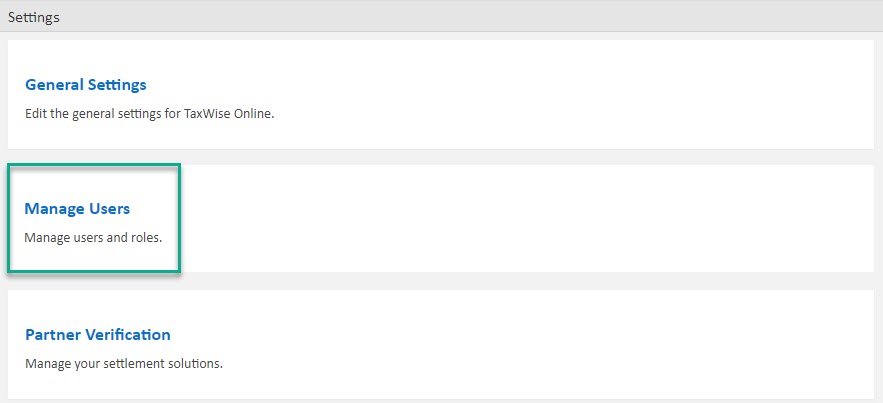
- Click on Manage Users
- Select Create New User
- Fill out the needed information
- Select the type of account you want it to be (Super User, Return Preparer)
- Then Select License User (Without this, the user will be unable to log in)
- Save and close
- Log out
- Log in with User ID, Username, and Password (Password for the first time will be the same as the Username)
- Set the new password
This information applies to all Online software.
Comments
Article is closed for comments.